




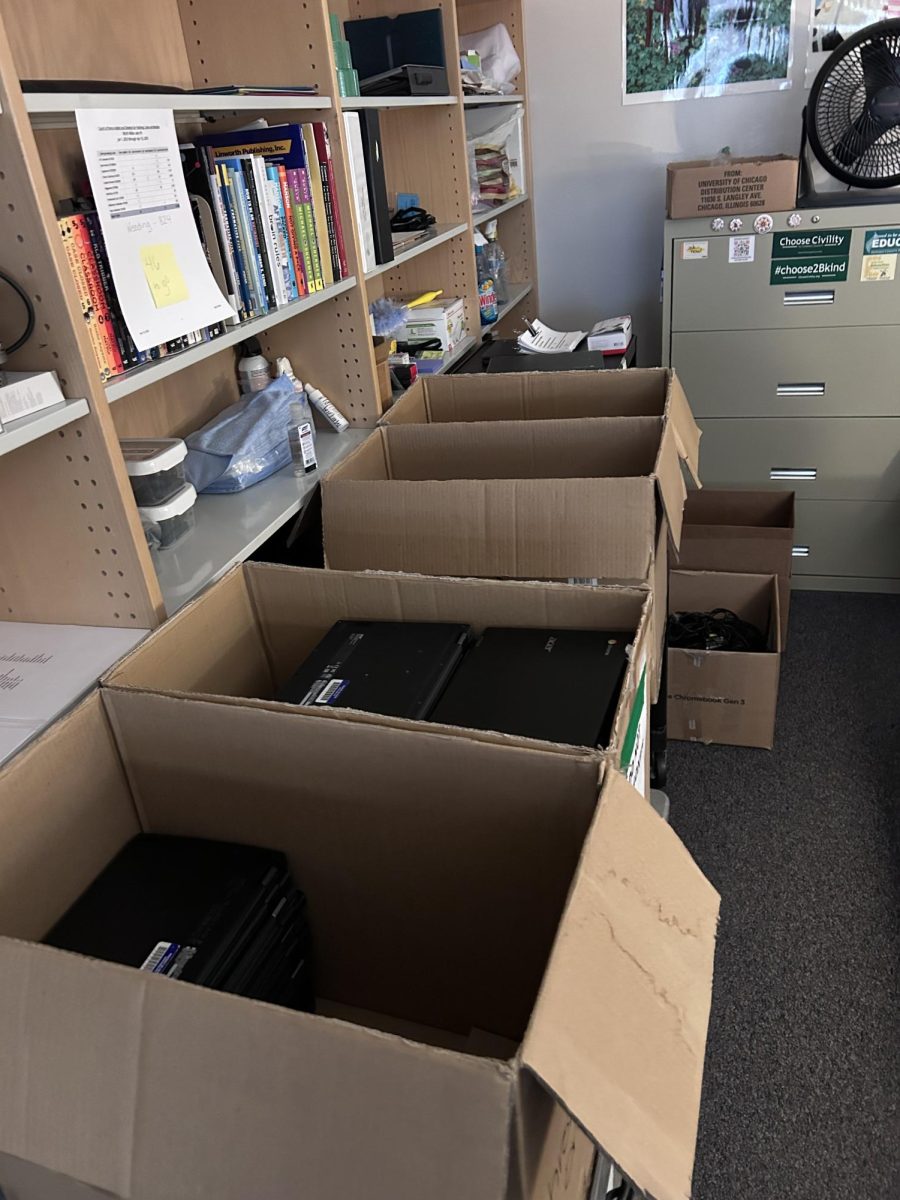
The Chromebook laptops are issued to all students by HCPSS. While not the best, they are definitely good enough for students to use for schoolwork, but not much else. They run the “ChromeOS”, or Chrome Operating System, which is owned by Google. It’s not unusual for students to show frustration with the devices, or have Chromebooks with damaged screens and keyboards. Matter of fact, the Chromebook I’m using to write this paragraph right now is damaged. Are the Chromebooks really THAT bad? Is it possible for the county to switch to better computers?
Firstly, let’s get the opinion of a fellow student on the Chromebooks. To do so, I interviewed Xavier, an 11th grade student. He thinks that one of the pros of having Chromebooks is the ability to use past assignments as reference, and keep track of what assignments you’re missing.
Everyone can agree that the Chromebook is a very useful tool for studying, and also teaching students digital literacy. However, it’s not all giggles and glitter. “I just think there’s too many restrictions put on the Chromebooks, in terms of websites that a student might use for their own projects or self interests,” says Xavier. The school district uses an extension on the Chromebooks’ browsers, which blocks student access to many websites. This includes a lot of news sites, entertainment sites like Youtube and Spotify, and obviously, any websites that allow students to play some kind of game on the computer. This is all understandable, but it can also interfere with some important school and class work. For example, a lot of classes require students to watch an educational video on Youtube, on their own, for an assignment. You can’t really do that when Youtube is blocked on your device. We should also acknowledge that the Chromebooks are some students’ only computer, and a lot of students use the Chromebooks for personal use at home. The internet restrictions make it impossible for you to do anything like watch a movie or listen to music on them. I believe that the restrictions should be done differently, so students can use the devices without restrictions when on home wifi, so students can focus on doing their work at school, and use them personally at home.
Some may use the counter argument of the Chromebooks being meant only for schoolwork and not for personal use, which is a fair point. But again, it wouldn’t hurt to make them slightly more usable for non-school related activities, because like I said, a lot of students have no other computer than their Chromebook.
However, Chromebooks do have fans, mostly amongst the staff. “They’re easy to use, low cost, easily tracked, and they’re automatically set up for all the apps that HCPSS uses,” says Mrs. Bailey, who I interviewed about her opinions on Chromebooks. She was kind enough to give me some good answers and insight about this topic. According to her, the IT department at the central office were the ones to decide on Chromebooks, and they did so because “there was a consistent need for students to have computers, especially after the pandemic.” Mrs. Bailey believes that the Chromebooks allow “an even playing field for all students.” Also, she said that the toughest issue with the Chromebooks that they have to deal with is when students get their Chromebooks mixed up and use each other’s computers, so they have to “untangle all of them and set them up again.”
So, based on teacher & student accounts, we can draw a conclusion here. Although the Chromebooks are cheap, easy to use, lightweight, and easy for the school to handle, they have flaws and restrictions which make it harder for students to use them personally.